Checking Evaluated Papers, Scores, Class Rankings & Master Keys
How to inspect teacher markings on your handwritten paper, view question-by-question scoring, check class standings, and download master question papers.
1Check Your Dashboard Summary & Past Exams
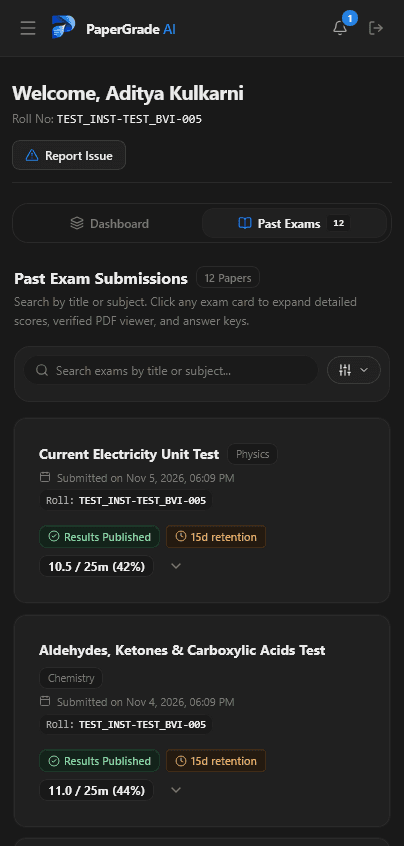
At the top of your Student Portal, summary tiles show 'Submitted', 'Published', 'Average', and 'Under Review'. Switch to the 'Past Exams' tab to view all completed papers, official scores, and 15-day storage retention badges.
2Track Your Progress with the Marks Trajectory Graph
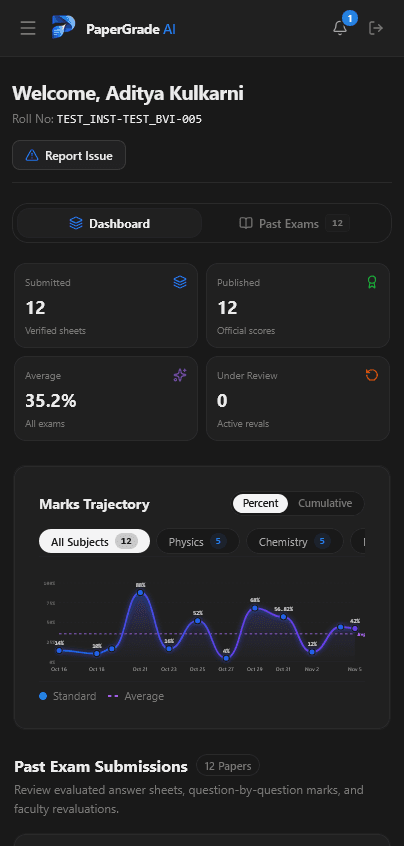
Scroll down to the interactive performance graph. Tap [ All Subjects ], [ Physics ], [ Chemistry ], or [ Maths ] to see how your scores are trending in each subject over the school term. Tap any point on the curve to see the exam title, date, score, and whether marks were revised.
3Open Your Exam Card Action Menu
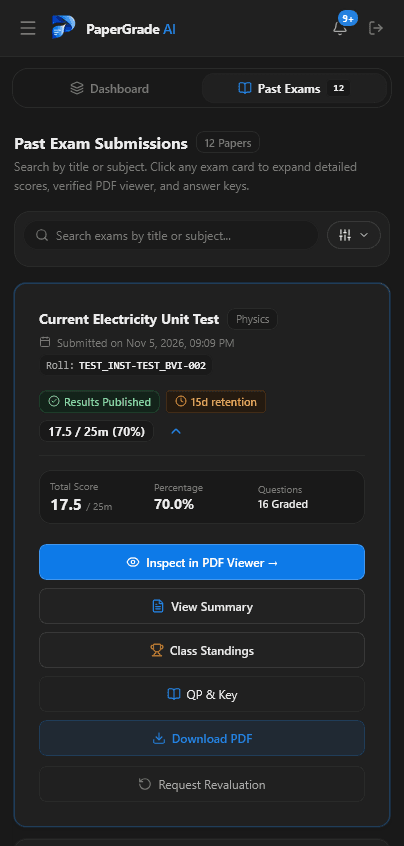
Tap on any completed exam card to expand its action buttons: [ View Summary ], [ Class Standings ], [ QP & Key ], [ Download PDF ], and [ Request Revaluation ].
4Read Step Marks & Question Deductions
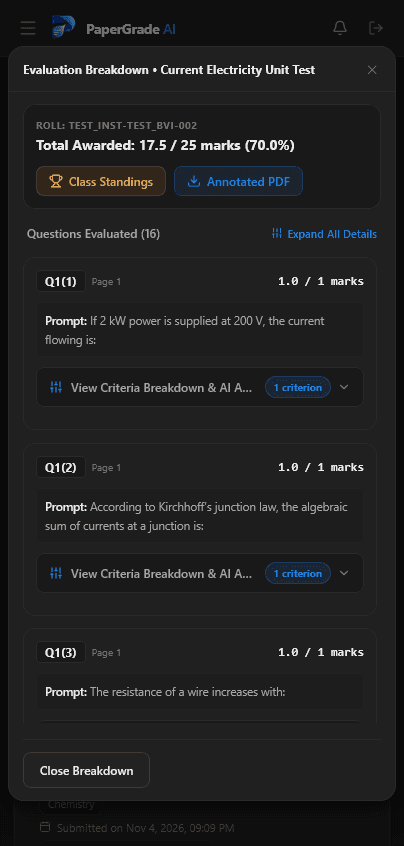
Tap [ View Summary ] or open the paper viewer. Look for red and green badges next to your answers showing marks earned for formulas, substitutions, and answers. At the top right of each page, a stamp shows the total marks for that page. Tap on any question box to open the Question Breakdown details: read where points were awarded or deducted, and review the official model answer.
5Inspect Question Criteria & AI Transcription
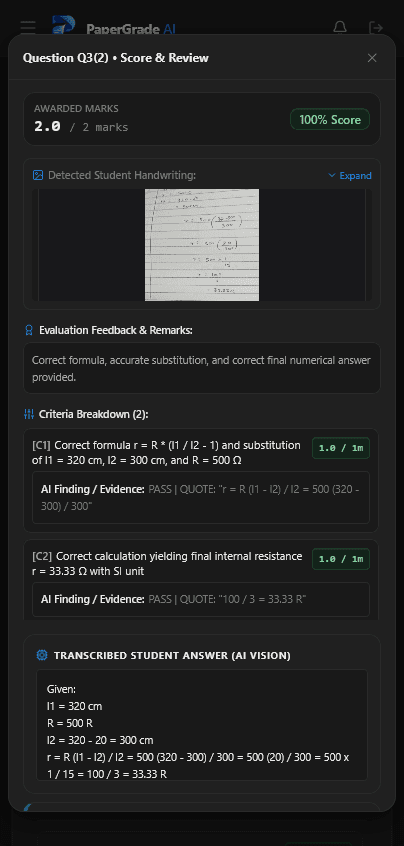
Tap into any specific question to see the AI Vision transcription of your handwritten solution alongside the official step-by-step rubric criteria and remarks.
6Check Class Standings & Merit Rankings
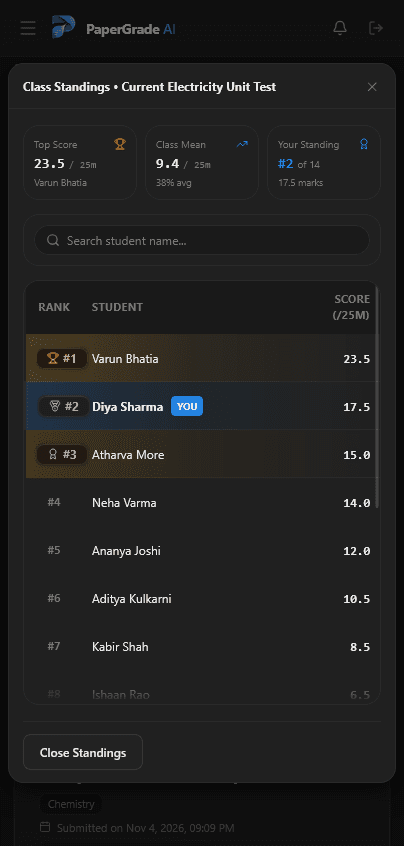
In the graded paper viewer (or on the past exam card), tap [ Class Standings ] (Trophy icon). The rankings table shows top performers with Gold, Silver, and Bronze trophies. The list automatically highlights your roll number in blue so you can see where you stand in your batch.
7View & Download Question Papers & Answer Keys
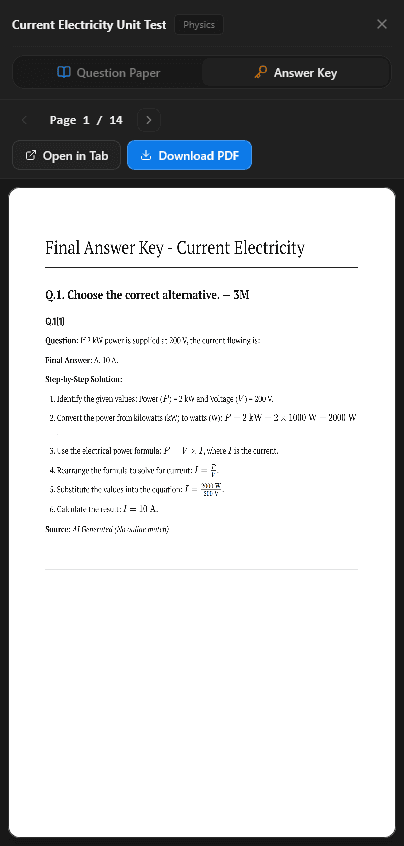
In the top bar of your graded paper or on the exam card, tap [ QP & Key ]. A viewer opens with two tabs: [ Question Paper ] and [ Answer Key ]. You can zoom in and pan around diagrams, or tap [ Download Document ] to save the master PDF to your device.