
F-02Faculty
3 min read
Creating Exams & Uploading Question Papers / Keys
Setting up a new examination, assigning batches, and uploading master Question Papers and Answer Keys.
Every exam requires an assigned subject, target batches, total marks, and official master documents (Question Paper and Answer Key Scheme).
1Create New Exam
Navigate to /exams and click [ + Create Exam ]. Enter Title (e.g. 'Electromagnetic Induction (EMI) Exam'), Subject (e.g. 'Physics'), Total Marks (e.g. '25'), and check the assigned batches.
Click / Verify:+ Create Exam
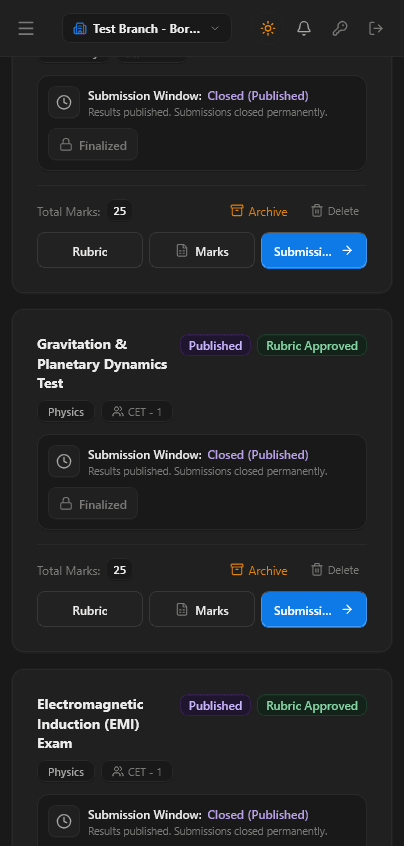
Click to zoom
2Upload Master Question Paper (QP)
On the exam dashboard, locate the Academic Materials section. Click [ Upload QP ] and choose your master Question Paper PDF.
Click / Verify:Upload QP
3Upload Official Answer Key
Click [ Upload Key ] and choose your official Answer Key / Solution Scheme PDF.
Click / Verify:Upload Key
4Verify Document Rendering
Click [ Preview QP ] and [ Preview Key ] to view the documents inside the preview window. Check that formulas, subscripts, and diagrams are clearly readable.